
WordPress File and Database Backup Scope
A recoverable WordPress backup needs both a consistent database export and the site files, plus the configuration and access needed to restore them. Document the capture point, protect credentials separately and regularly test the complete set on an isolated host.
A WordPress backup is not complete merely because a job reports success. It is complete enough for its purpose when an authorized person can recover the required data and make the site work within the agreed recovery objectives. For a typical installation, that means preserving the database and the files together, while recording the configuration, external dependencies and credentials needed to use them.
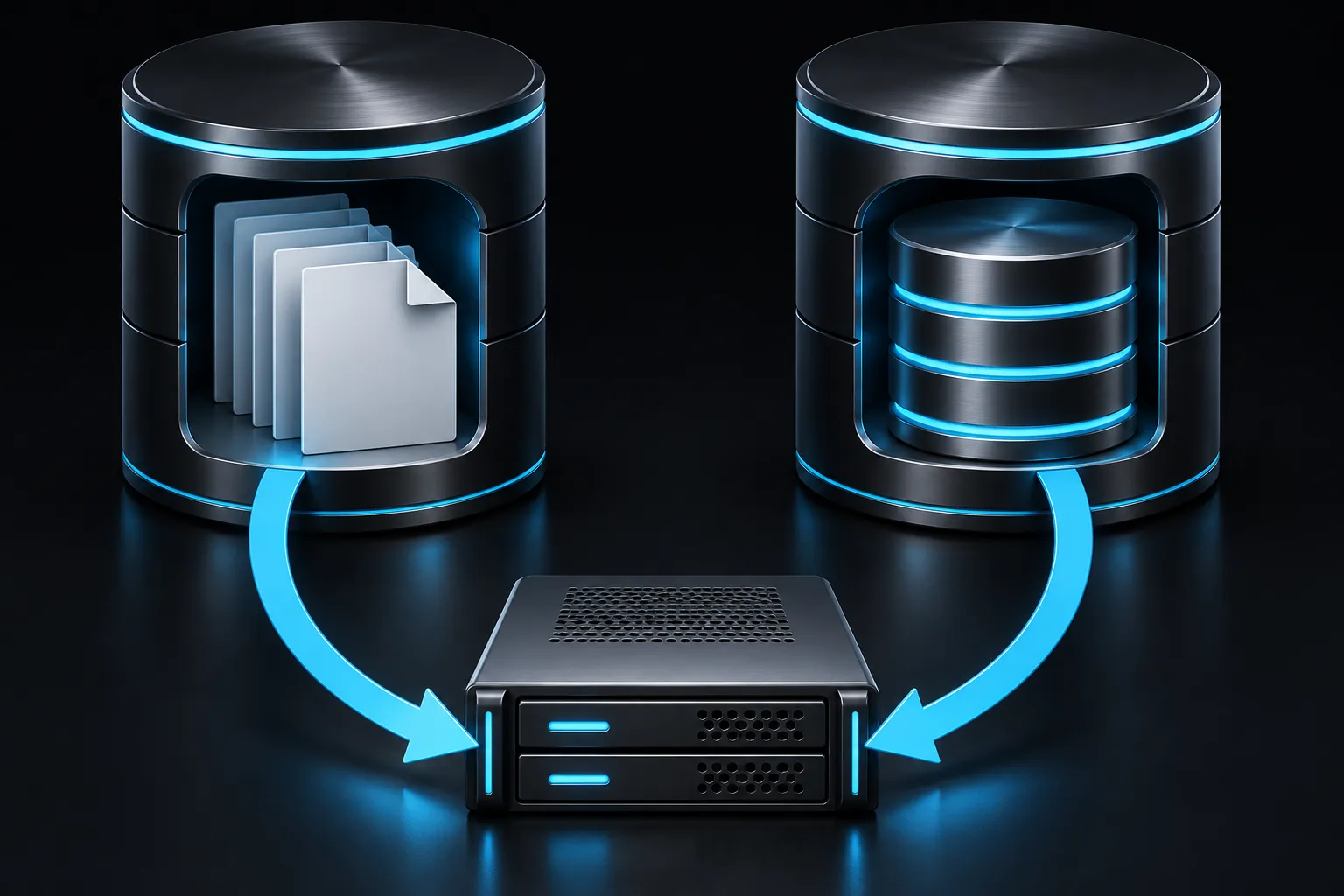
Define the recovery boundary
Choose recovery objectives first, then select a database-aware capture and file set that meet them. More frequent captures reduce the potential data-loss window but increase storage and operational work; an isolated restore demonstrates whether the chosen set is usable.
Start with the site owner, not the backup product. Ask which content may be lost, how long the service can be unavailable, and which functions must work immediately after recovery. A brochure site may tolerate a different recovery point from a shop accepting orders. The recovery point objective describes acceptable data loss in time; the recovery time objective describes the acceptable interruption. Both are targets to test, not promises made by the storage provider.
Identify the production site, database host, file locations, deployment mechanism and all external systems. Some installations store uploads outside the web root or use external object storage; those objects need their own recovery plan. A multisite network, custom table prefix, separate application database or plugin-managed tables expands the boundary. Record who owns each item and who can authorize a restore. The WordPress backup documentation, viewed 29 November 2026, distinguishes the database from the files and recommends treating them as a set.
| Component | Capture decision | Restore check |
|---|---|---|
| Database | Export all relevant tables consistently | Check content, users and plugin data |
| Site files | Include uploads, themes, plugins and custom code | Open media and exercise site functions |
| Configuration | Protect config and document infrastructure | Connect to the isolated database safely |
| External services | Inventory storage, DNS and integrations | Use isolated endpoints or disable effects |
Document exclusions explicitly. Caches and temporary files can often be regenerated, but confirm that a plugin is not storing irreplaceable material in an unexpected directory. A repository may reconstruct application code, but only if the exact deployed revision and dependencies remain available. Do not assume that a fresh download of a plugin reconstructs its configuration or custom modifications.
Capture a coherent set
The database contains content and settings, while media and application files live elsewhere. An export that omits plugin tables or uses an incorrect prefix may look successful while leaving essential business data behind. Identify the actual database from configuration, list the tables in scope, and select a database-aware backup method compatible with the storage engine and workload. A raw copy of live database files is not automatically a consistent database backup.
Write activity can continue while a database export and file capture run. An order, a new image or a content edit between those captures may leave references and files out of sync. For busy sites, coordinate a maintenance window, pause writes where feasible, or use a provider-supported application-consistent snapshot procedure. Record the actual capture timestamps and method. A transaction-consistent database export alone does not freeze file writes or external systems.
Group the database export, files, manifest and relevant configuration into an identifiable recovery set. Store the site identity, capture time, backup tool version, expected contents and integrity-check result in the manifest without placing plaintext passwords there. Verify the job's completion status and alert on missed, partial or unexpectedly small backups. A green scheduler entry only proves that a process was launched; it does not prove that the recovered application works.
Plan for failure beyond the disk
Backblaze's annual drive analysis and its later report, viewed 29 November 2026, illustrate why hardware should not be treated as permanent. The chart uses the aggregate annualized failure rates described in the respective reports. They cover Backblaze's selected data-center hard drives, not WordPress VPS disks; model selection and fleet composition differ. The rate is not an individual drive's predicted probability, an outage rate, or a measure of backup success.
Backblaze annual hard-drive failure rates
Selected data-center drive cohorts; annualized
- 20211.01
- 20221.37
- 20231.7
- 20241.57
- 20251.36
View chart data
| Item | % AFR | Note |
|---|---|---|
| 2021 | 1.01 | |
| 2022 | 1.37 | |
| 2023 | 1.7 | |
| 2024 | 1.57 | |
| 2025 | 1.36 |
Storage failure is only one reason to recover. Accidental deletion, faulty updates, compromised credentials and a provider outage can affect live data or backup access. A mirror that immediately copies deletions is not a substitute for retained recovery points. Separate the backup account and storage from the production host's ordinary write credentials; use versioning or immutability where appropriate, and test whether an attacker with production access could delete the retained copies.
Choose retention from the time needed to discover a problem, legal obligations and storage costs. Document expiration behavior and confirm that older points remain readable. Monitor both the backup and its destination. An independent copy matters only if the restore operator can access it when the primary server is unavailable.
Protect the backup and recovery keys
Backups commonly contain customer information, password hashes, authentication keys and site configuration. Encrypt them in transit and at rest using a supported mechanism. Restrict who can list, download, decrypt and delete recovery sets. Keep the decryption key and emergency access procedure in an independently accessible secrets system, with a designated owner and a controlled break-glass route. Do not put the only key on the failed VPS or inside the encrypted archive it unlocks.
Document where configuration is stored and which settings must be changed in a recovery environment. The original database credentials may be unsuitable on a new host. Restore with a separate database and least-privilege account, and treat old credentials as exposed if the incident warrants rotation. Backups are sensitive production data even when copied to a test machine; access controls and retention apply there too.
Rehearse an isolated restore
Provision an isolated target with compatible runtime and database versions. Block public access, outbound email, payment processing, scheduled jobs and production webhooks before the restored application starts. Prevent the test from indexing or contacting live services. Retrieve a named backup using the documented emergency path, verify integrity, restore files and import the database into the isolated target. Follow a serialization-aware migration procedure if changing stored URLs; blind search and replace can damage serialized data.
Check that the home page and representative posts render, then open recent and older uploads. Test administrative login with authorized accounts, the active theme, critical plugin workflows and any custom tables. Compare the result with the manifest and expected recovery point. Test a representative transaction only with safe sandbox integrations; never send real messages or charges as part of a drill. A successful database import alone is not a successful recovery.
Measure elapsed time from retrieval through functional verification, including obtaining access and diagnosing missing components. Record the recovered timestamp, discrepancies, owner and next test date. If the recovery misses its objective, change the process and retest; do not report the theoretical schedule as the observed result. Securely remove the test copy when it is no longer needed.
Make recovery repeatable
Keep the runbook accessible outside the server it protects. It should identify the backup destination, site and database mapping, key custodian, restoration sequence, isolation checks, communication owner and approval for returning traffic. Include a decision for a suspected compromise: restoring a recent copy without investigating may restore the original vulnerability as well. Coordinate clean credentials and patching before reconnecting services.
Review the scope whenever uploads move, a plugin introduces new storage, the site adds an integration or a hosting arrangement changes. Assign a named owner to investigate failed jobs and another person who can perform a restore if that owner is unavailable. An inventory with a recent observed restore is a stronger operational artifact than a checkbox saying backups are enabled.
Include the restore environment itself in planning. Record the operating system, runtime extensions, database engine and web server settings needed to run the application, together with a safe method of obtaining compatible packages. Keep provider account recovery and DNS access separate from the failed host. During a drill, have someone other than the regular operator follow the instructions and note any missing permissions or undocumented assumptions. Verify that recovery works when the primary server and its local credentials are unavailable. This exercise can reveal dependencies on a private network, a forgotten administrator account or an expired key before an incident makes them urgent.
The WP-CLI database export documentation (viewed 29 November 2026) describes an export that uses the database settings in WordPress configuration and invokes the database dump utility. Check which database and tables the tool will capture; a separate application database or externally stored files still need their own backup. Select consistency options suitable for the database and workload, and protect the resulting export as sensitive data.
Sora Panel is not released yet. Read how it works on the homepage and explore the Guides.
Frequently asked questions
Does a file backup include the WordPress database?
Usually not. Capture the database separately using a consistent database-aware method and keep it with the matching files.
Are backups on the VPS sufficient?
They help with some mistakes but may be inaccessible or deleted with the server. Keep an independent protected copy and test access.
What should a restore test verify?
Retrieve and decrypt the set, restore it on an isolated host, then check content, media, login and critical workflows without contacting live integrations.
How often should backups run?
Choose frequency based on acceptable data loss, write activity and recovery objectives, and verify that the observed recovery point meets those targets.
Sources
- WordPress backups (viewed 2026-11-29)
- Backblaze 2023 Drive Stats (viewed 2026-11-29)
- Backblaze 2024 Drive Stats (viewed 2026-11-29)
- Backblaze 2025 Drive Stats (viewed 2026-11-29)
- WP-CLI database export (viewed 2026-11-29)
Sora Panel is not released yet. Read how it works on the homepage.