
AI over MCP
Codex or Claude call the panel's own tools, with no permission to run arbitrary commands.
Sora Panel is a free control panel for WordPress and Laravel sites on your own servers. Ask AI in plain words; every change is planned, approved when it matters, checked and logged.
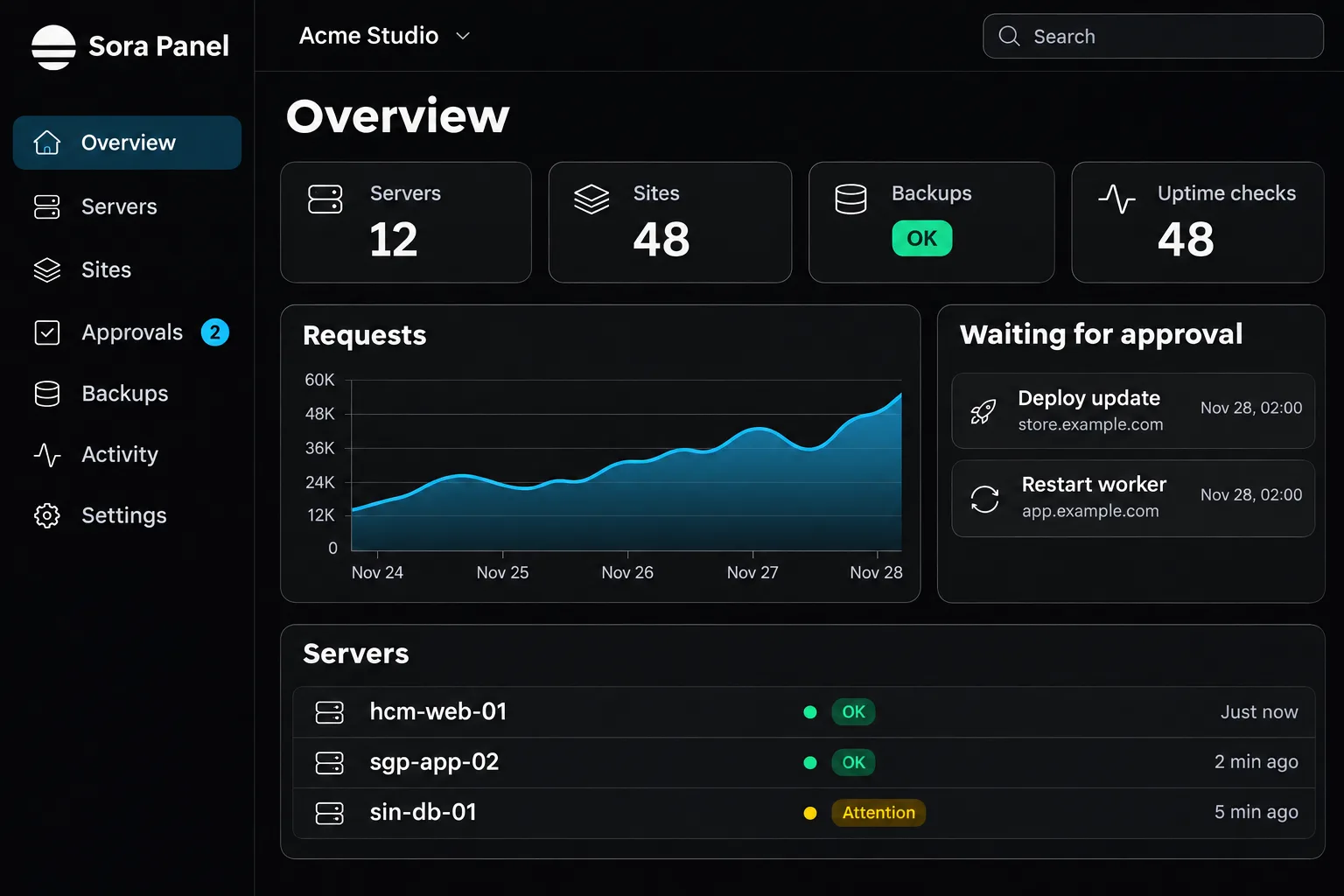
Illustrative interface
Built on proven open-source software
Features
Codex or Claude call the panel's own tools, with no permission to run arbitrary commands.
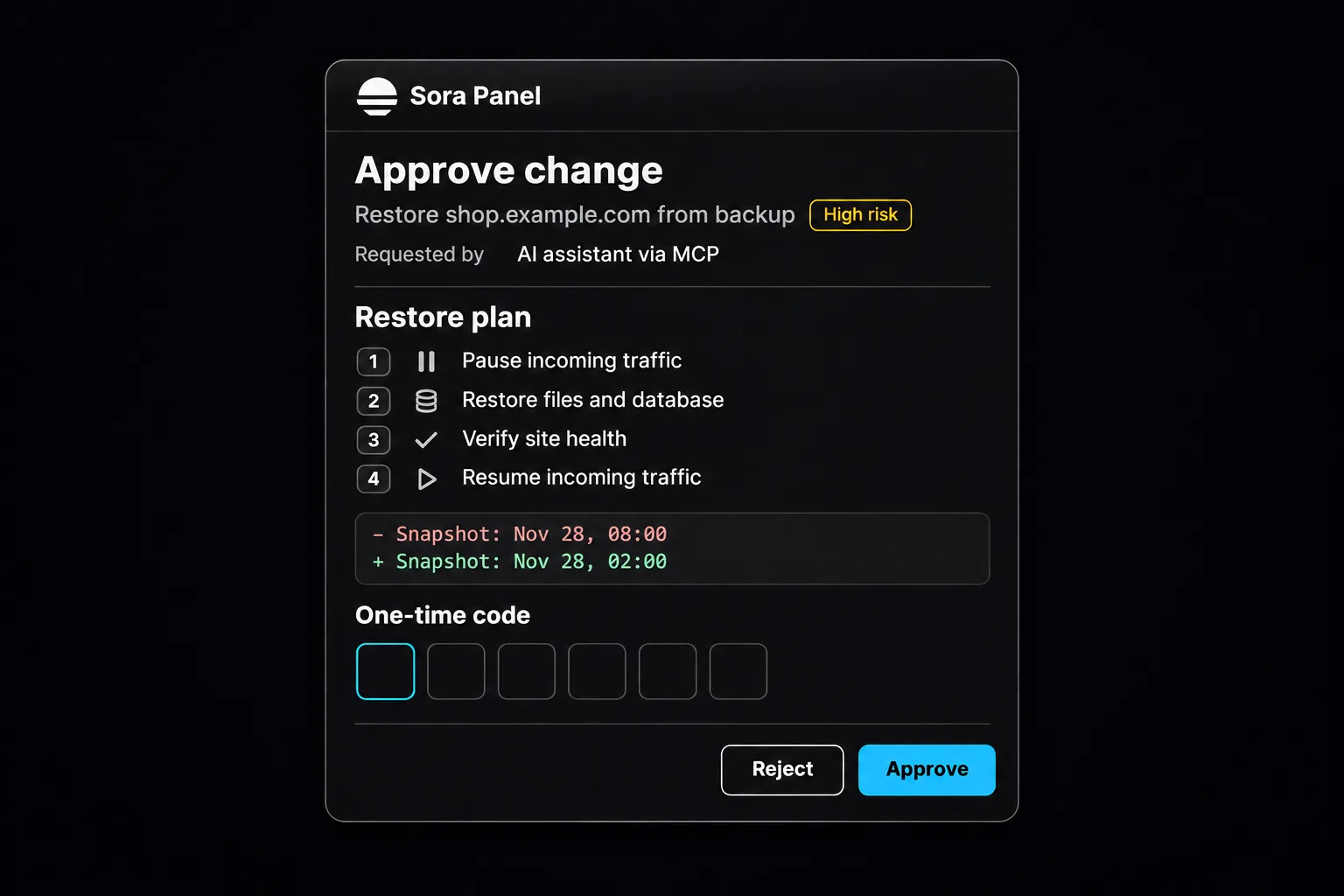
Delete, overwrite restore, reboot: each waits for your approval.
Stored in your own bucket, restored in one click.
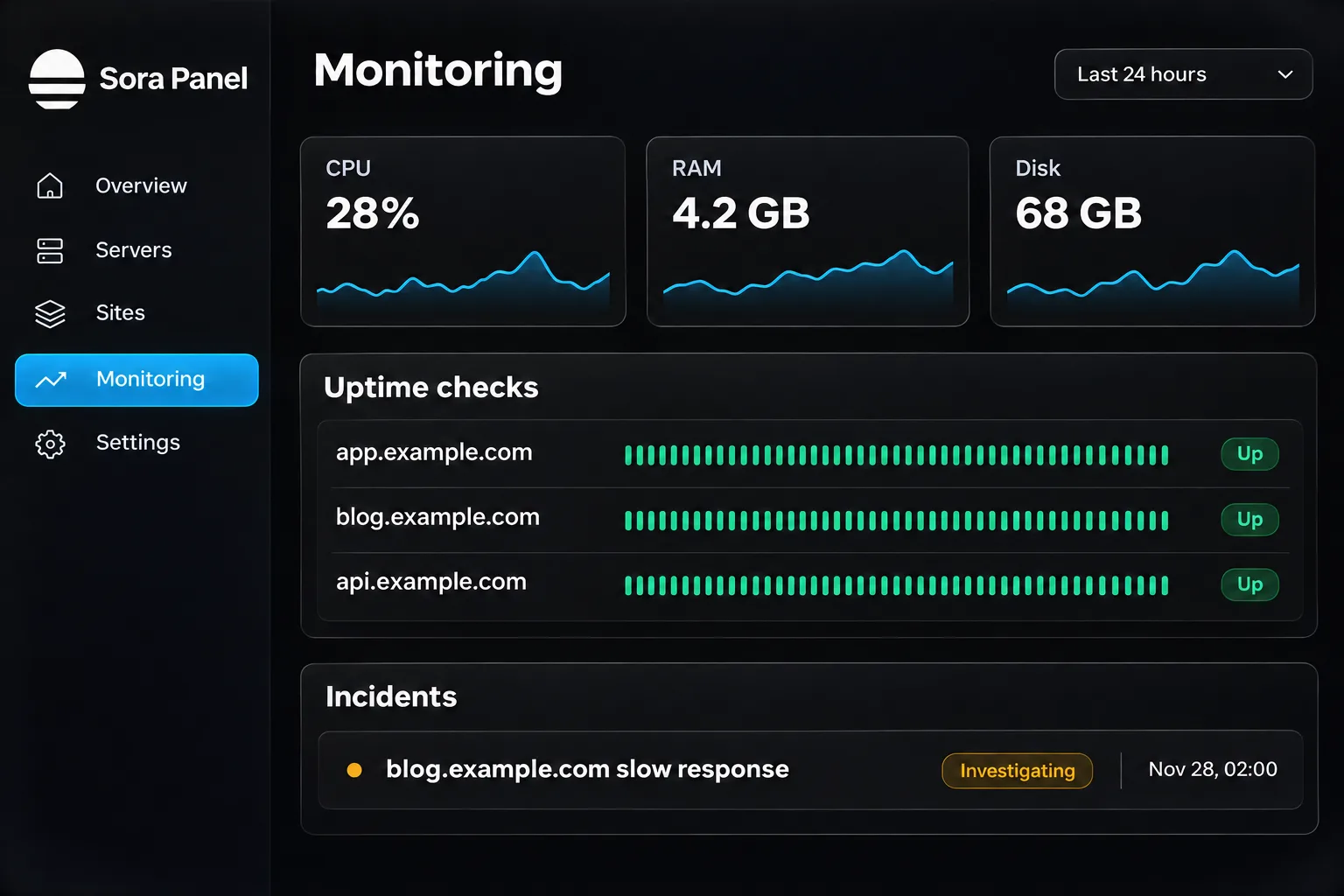
Charts, alerts and a site check every minute.
Each site runs as its own Linux user with its own PHP pool, Redis and database. Separate permissions isolate site resources.
How it works
Say it in plain words, like messaging a colleague.
It asks one question at a time, with stacks and servers read from your system.
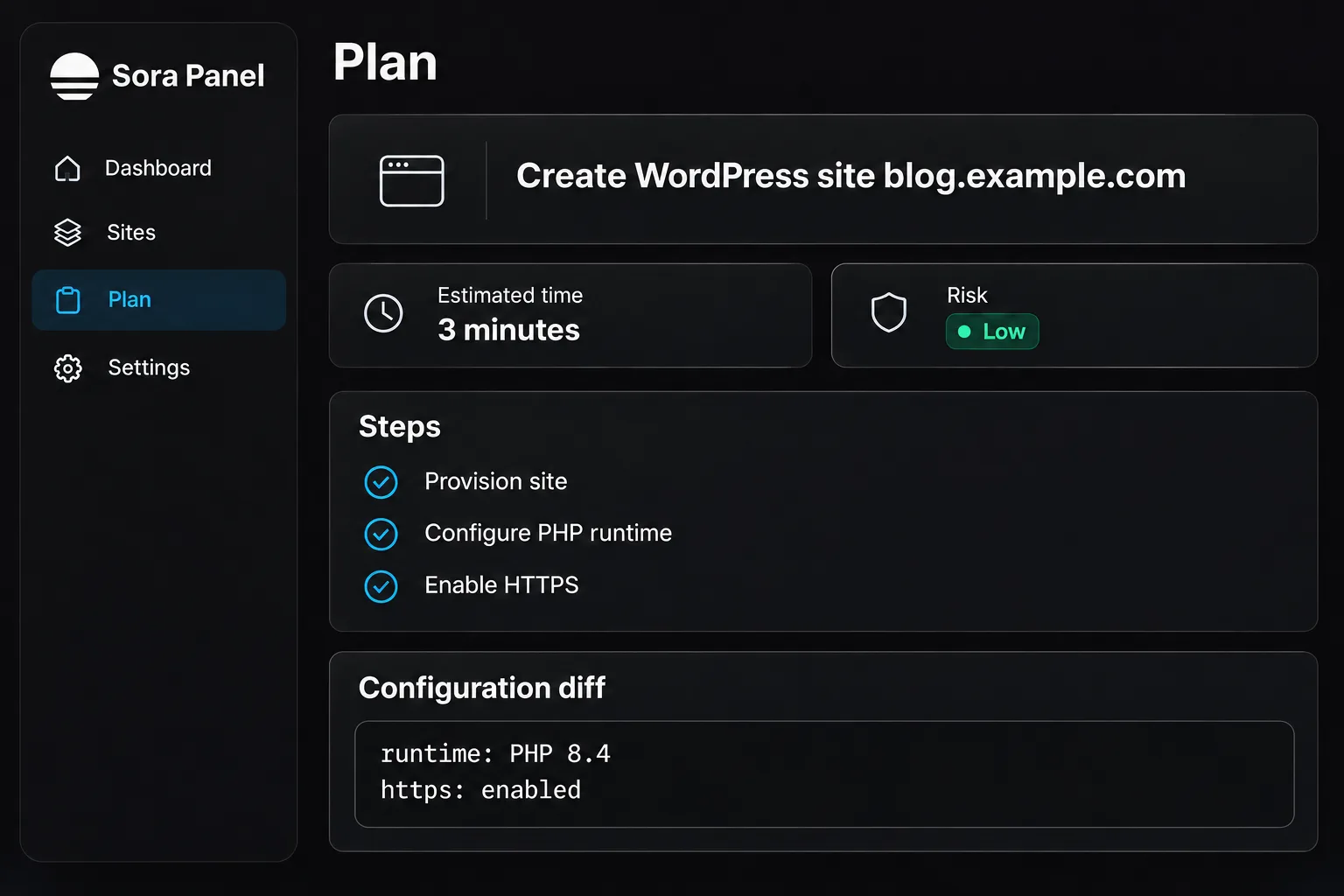
Plan, differences and risk are shown before anything runs.
Runs step by step, checks the result and rolls back on failure.
Security and governance
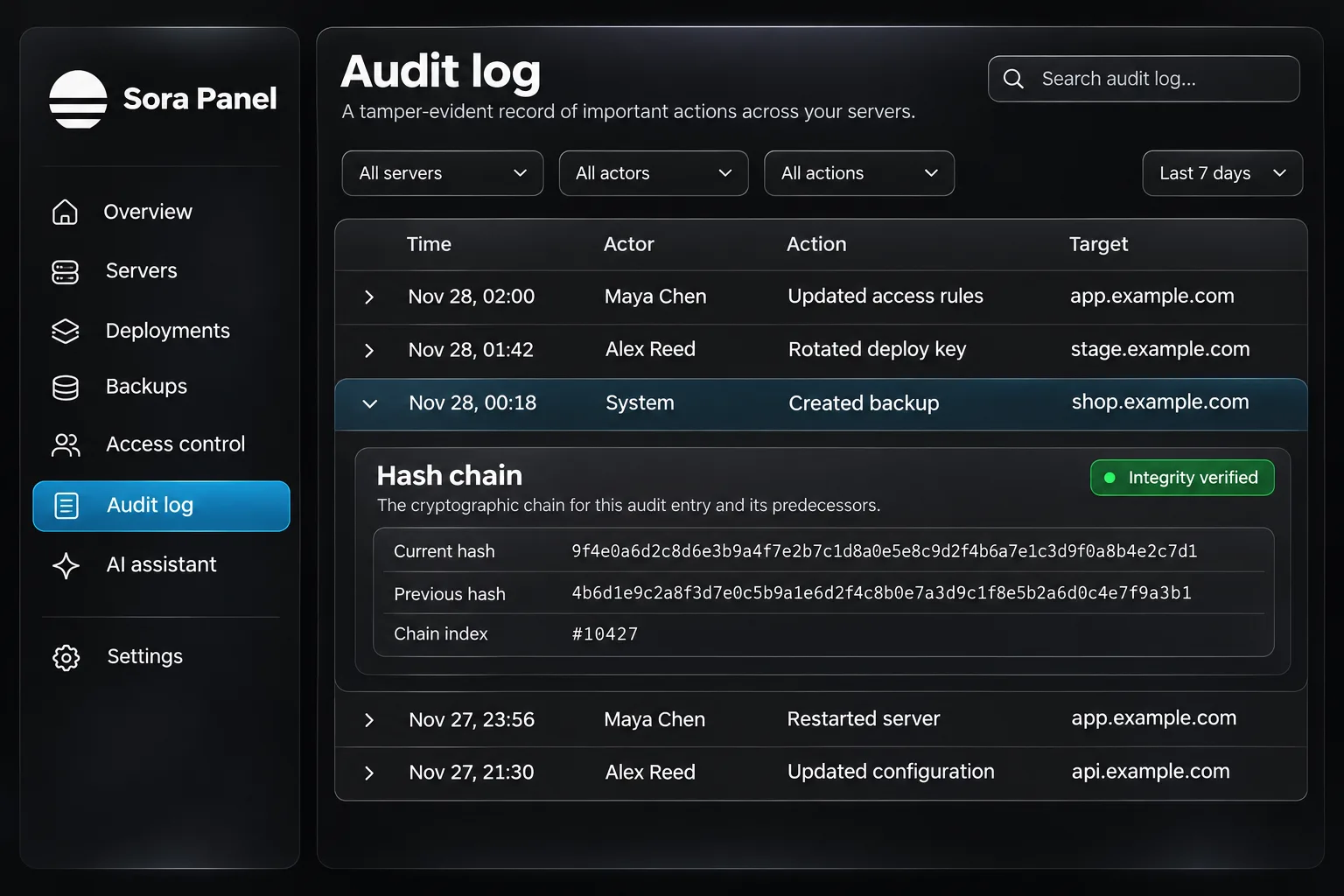
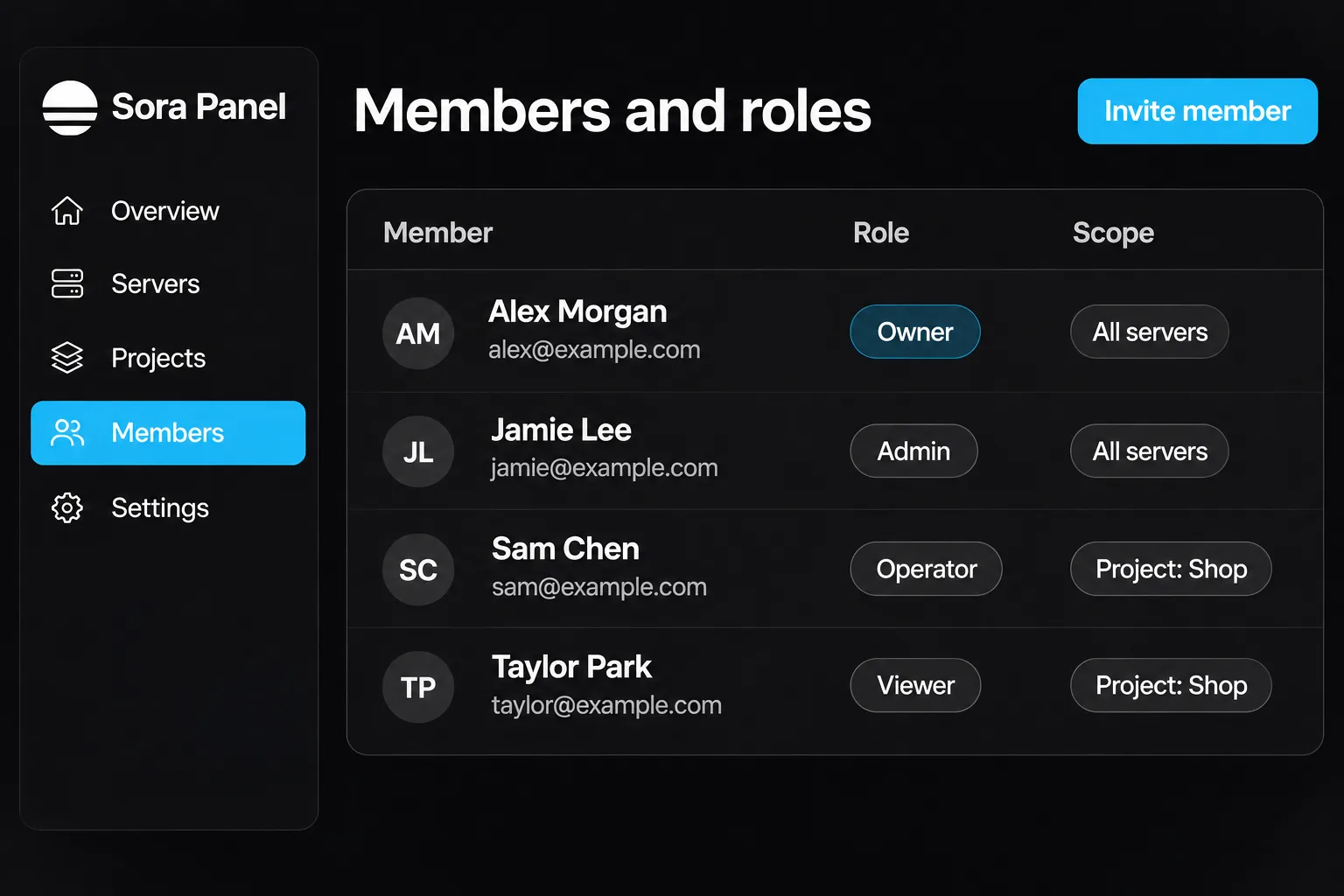
Sora Panel is built for administrators, security reviewers and agencies that offer managed servers to clients: every action is scoped, approved where it matters and recorded.
Servers dial out to the master over mTLS.
It can only call declared tools.
Approved in the web UI with a one-time code.
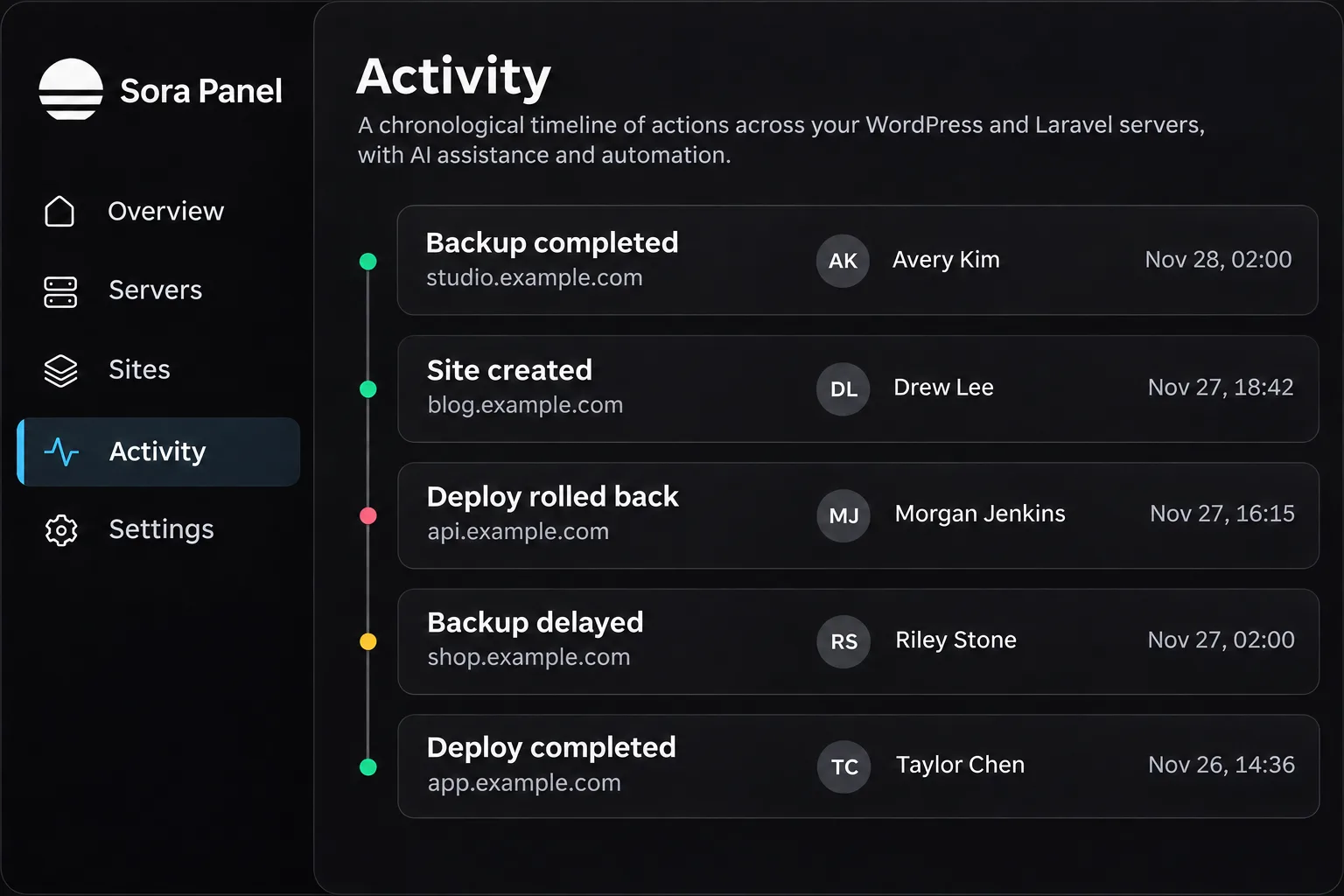
Every change can be traced.
Passwords and keys are shown once.
Owner, Admin, Operator, Viewer.
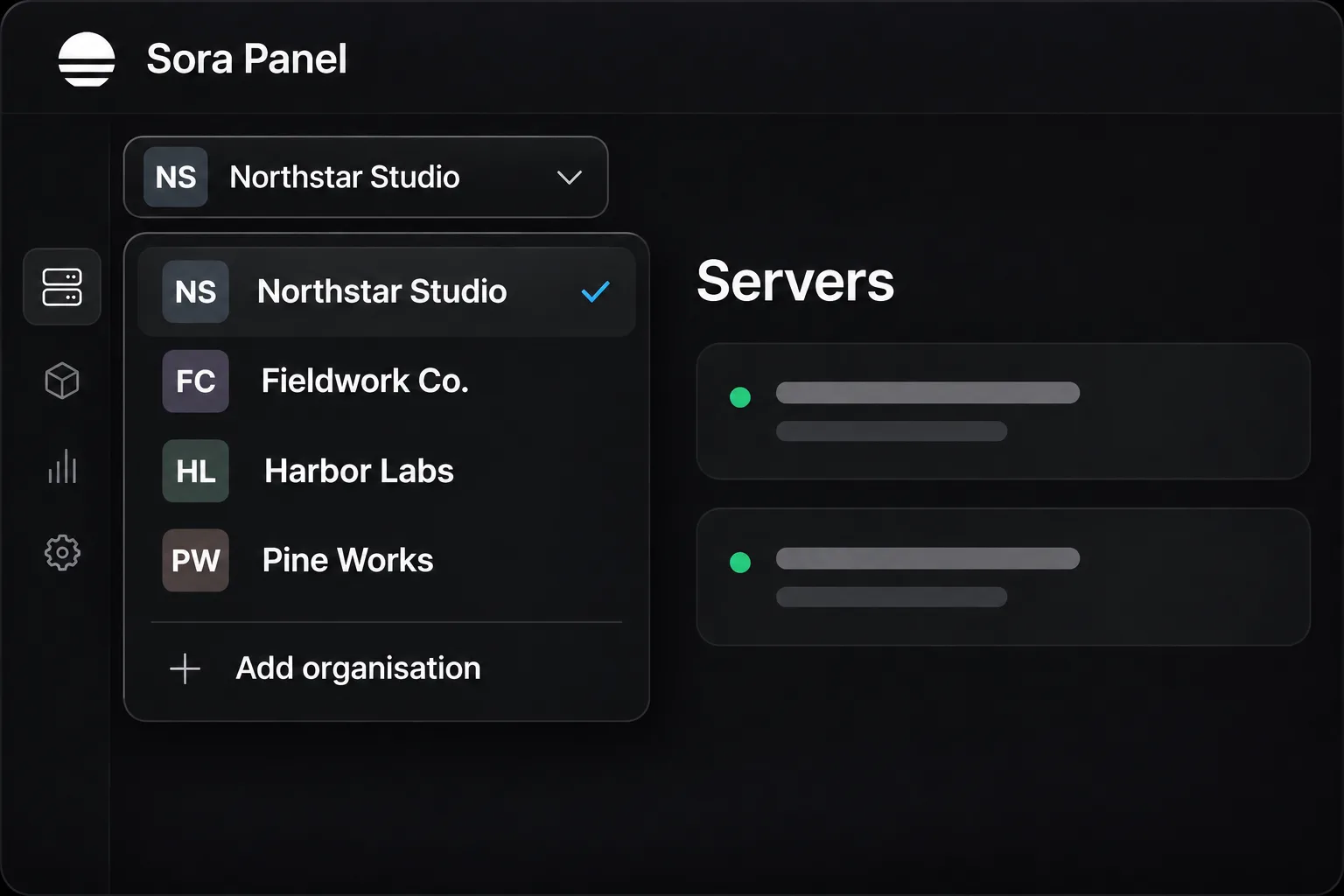
One master, an organization per client, scoped roles and monthly reports.
Use cases

Agencies
Each client gets an organization, with separate permissions.

Incidents
Alerts reach the right person, with logs and history inside the panel.

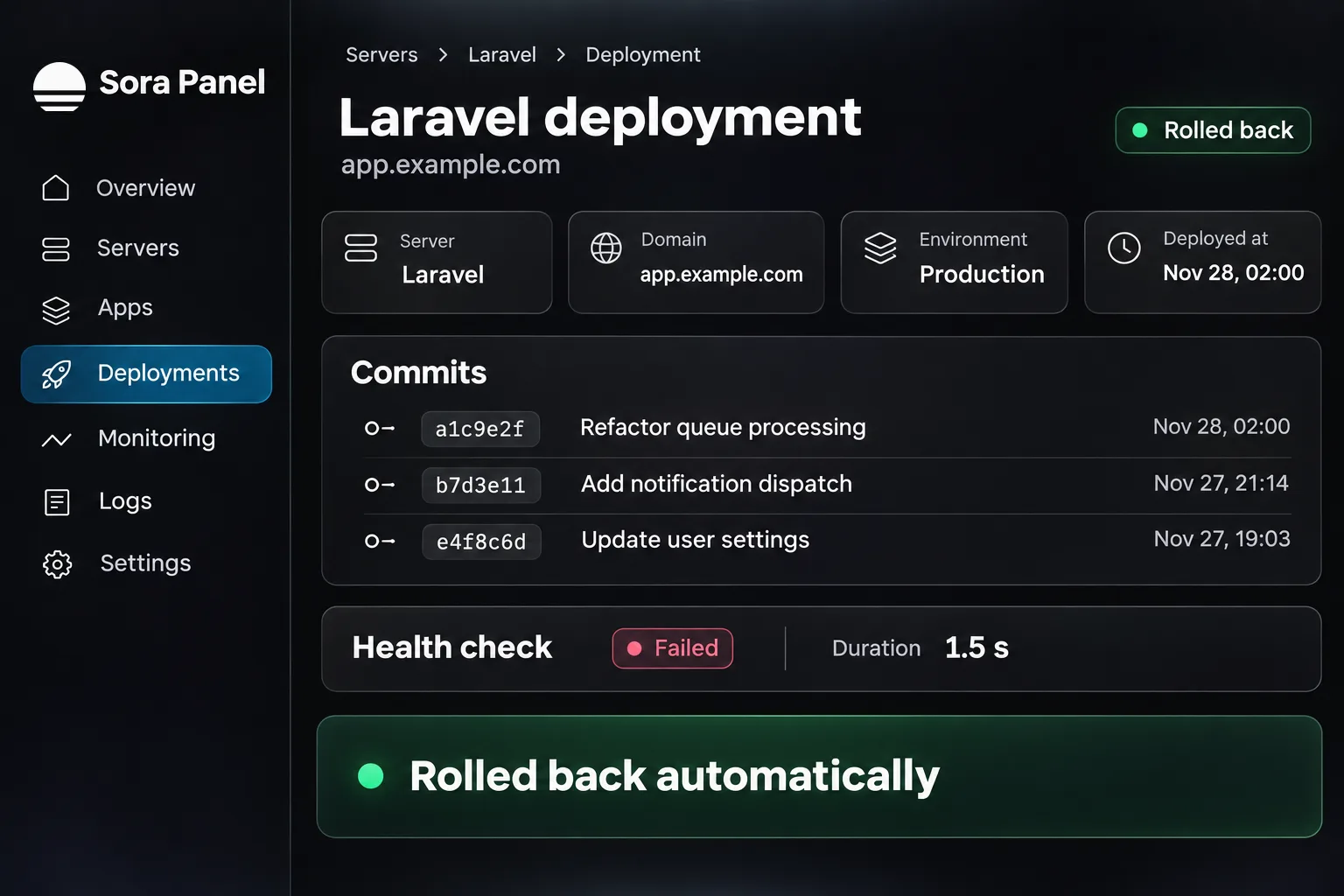
Laravel teams
Deploy from Git; on failure the site returns to the previous release.
Lab measurements
104–182 s
Server ready
Threshold ≤ 5 minutes
9.8–14 s
WordPress site with HTTPS
Threshold < 45 seconds
1.5 s
Laravel rollback
Threshold < 10 seconds
Measured in our lab, not a service commitment.
Install
Install command for the masterComing soon
curl -fsSL https://sorapanel.org/install.sh | sudo bash
Coming soon
The command is published after the first release passes quality checks.
| Requirement | Master | Server |
|---|---|---|
| System | Ubuntu 24.04 LTS amd64 | Ubuntu 24.04 LTS amd64 |
| Access | root | root |
| Domain | Required, pointed to the master | Not required |
| Open ports | 22, 80, 443, 7443 | 22, 80, 443 |
Sora Panel is a control panel for managing WordPress and Laravel websites on your own servers. Use the web interface, or hand tasks to AI on your computer through MCP.
No. Sora Panel is free under the Terms of Use; you only pay for your own servers and services.
Sora Panel needs Ubuntu 24.04 LTS (amd64) with root access on the master and on each server. The master also needs a domain pointed to it and ports 22, 80, 443 and 7443 open; servers need ports 22, 80 and 443.
Yes. One master can hold many organizations, one per client, each with its own members, scoped roles and sites, plus monthly client reports.
No. Sora Panel's AI integration only calls declared tools and cannot run arbitrary commands; irreversible actions wait for your approval on the web.
The panel runs on your servers and never calls an AI model itself. Backups go to your own R2; sending monitoring data elsewhere is optional and off by default.
Sora Panel is still being finished and has no release date yet. The install command will be published after the first release passes quality checks.
Explore practical guidance on control panels, security, backups and AI-assisted operations.
Explore guides