
Laravel Code Rollback vs Database Rollback
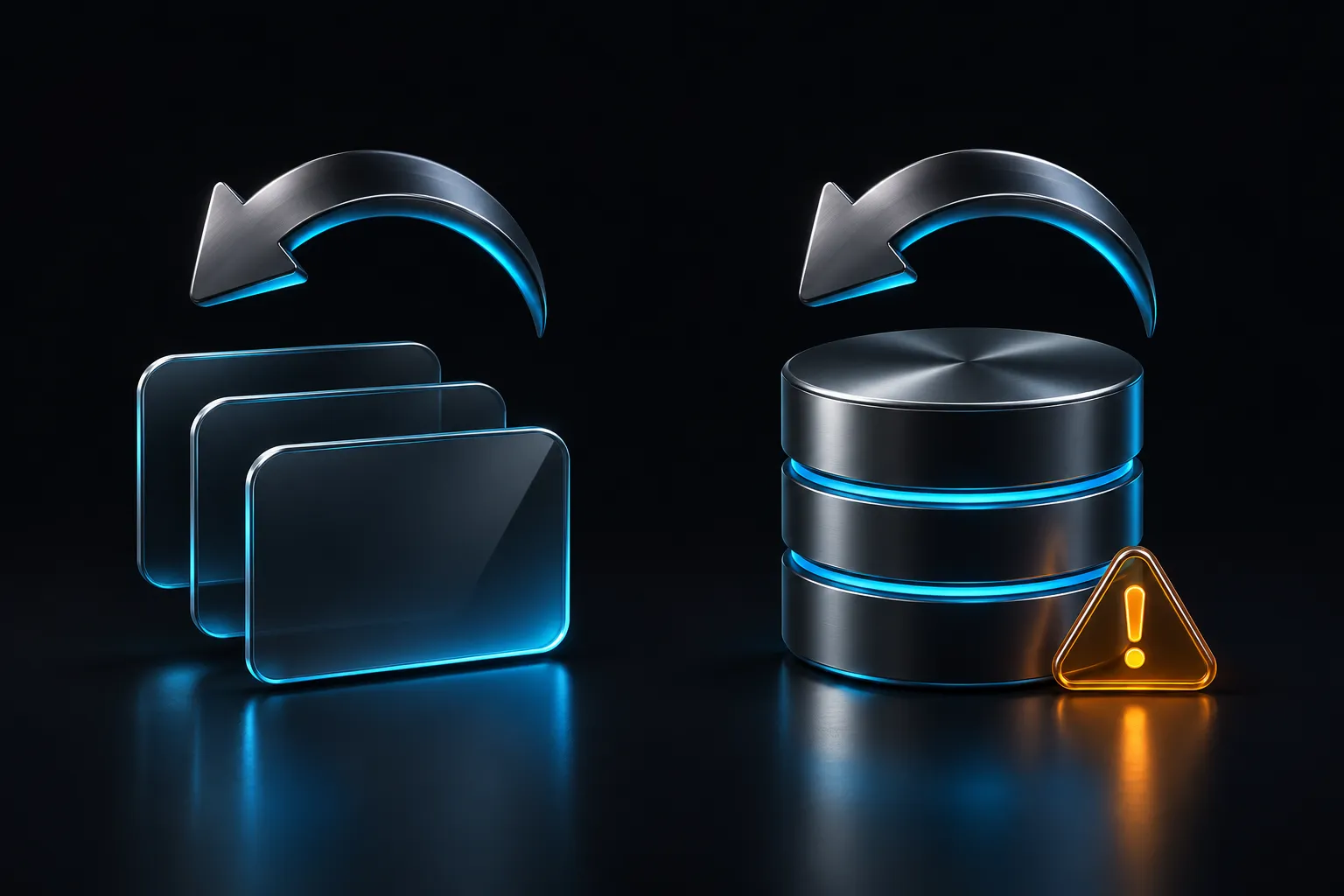
Rolling back Laravel code and reversing a database migration are different actions. After a failed release, preserve evidence, identify new writes and compatibility, then choose a forward fix, an older compatible release or an approved data recovery plan.
When a Laravel release fails, returning the application to an earlier artifact may restore service, but it does not turn the database, queues or external systems back to their earlier state. Conversely, reversing a database migration can remove data that users created after the release. The right recovery depends on what changed and what has happened since, not on which rollback button is easiest to reach.
Stabilize before choosing a recovery
Choose code rollback only when the previous release remains compatible with the current database and queued work. Preserve evidence and reconcile external effects before declaring recovery complete.
Assign an incident lead, identify the affected application and record when the release began, when symptoms appeared and which revision is live. Pause further deployments. If continuing traffic is corrupting data or causing unwanted side effects, restrict writes or enter a controlled maintenance state using your established procedure. Confirm whether read-only service remains safe. Communicate the customer impact and the next decision time without promising a recovery time you have not established.
Preserve relevant logs, deployment records, queue state and database recovery points. Do not expose credentials or customer data while collecting evidence. Establish which servers, workers and scheduled tasks are running each version; a partial rollout can leave multiple versions active. Identify the person authorized to decide on data loss and the person responsible for verifying the result.
The DORA 2024 report groups surveyed respondents by several delivery metrics. Its change-failure figures show that recovery planning matters across different delivery contexts, not that any particular tool can guarantee an outcome. The medium cluster's reported failure rate is lower than the high cluster's; DORA explains that the cluster names emphasize throughput as well as stability. The values are survey cluster characteristics, not a prediction for your application.
DORA 2024 change failure rate by cluster
Reported survey cluster values; not product benchmarks
- Elite5%
- High20%
- Medium10%
- Low40%
View chart data
| Item | percent of deployments | Note |
|---|---|---|
| Elite | 5% | |
| High | 20% | |
| Medium | 10% | |
| Low | 40% |
Separate the state that changed
Code rollback means selecting an earlier application artifact and coordinating the processes that run it. It may include earlier assets and dependency versions. It does not automatically restore environment configuration, database schema, records, object storage or messages sent to external systems. Retain the exact previous artifact and check that the current PHP runtime and configuration still support it.
Database rollback is a separate operation. Laravel's migration documentation explains that a migration has up and down methods and that migrate:rollback reverses the last migration batch, which can contain multiple files. A down method expresses a schema reversal; it does not prove that information removed by the reversal can be reconstructed. Inspect the actual migration, its batch and current data before considering it.
Commands that reset, refresh or recreate a database are destructive and are not an incident shortcut. Even a targeted rollback can drop a column or table containing new business records. Do not run a migration command simply because its name says rollback. The recovery owner should review the SQL and test the plan on an isolated copy, with an appropriate recovery point, before authorizing any production change.
Configuration and background state need separate attention. The Laravel deployment guide notes that long-running services must reload or restart to pick up deployed code. Repointing the web server alone does not replace a worker's loaded application. A changed application key or cached configuration can also make an old artifact unsuitable even when its code is intact.
Account for new writes and compatibility
Build a timeline of the schema changes, traffic switch, first failure and last known safe write. Ask which data was inserted, updated or deleted under the new release and whether older code can read and write it correctly. Include jobs, scheduled tasks, webhook deliveries, integrations and administrative changes. Some side effects occur outside the database, so restoring a database snapshot cannot recall an email or reverse a payment already accepted by another system.
Check more than whether the previous code starts. A new required field, removed column, changed constraint or altered data interpretation can make old code fail only on a particular request. Determine whether it will silently ignore or overwrite new values. Inspect representative records, migrations and application behavior in a protected environment. When evidence is incomplete, treat compatibility as unknown rather than assuming it is safe.
Where possible, use a staged schema transition: introduce an additive compatible structure, deploy code that can handle both representations, backfill and validate data, and remove obsolete structures only after old code and rollback windows are no longer needed. This is a design practice, not a guarantee: database engines differ, and even additive changes may lock tables or conflict with application assumptions. The release boundary guide explains how to retain and identify the artifact.
| Observed condition | Possible response | Essential check |
|---|---|---|
| Old code supports current schema and new writes | Return to verified previous artifact | Workers, assets and configuration match it |
| Small defect with compatible current state | Prepare and test a forward fix | Impact is contained while the fix is reviewed |
| Data damaged or schema incompatible | Pause writes and assess recovery | Recovery point, data loss and reconciliation are approved |
| Compatibility or write history unknown | Contain and investigate | Do not perform an irreversible reversal on assumption |
Choose a forward fix, code return or restore
A forward fix can be preferable when data has already moved to a representation the old release cannot handle, or when undoing the schema would lose customer changes. Keep the fix narrow, review it independently and test the resulting artifact against the current schema. The desire to restore service quickly does not remove the need for a clear stop condition if the fix makes the incident worse.
A code rollback can be appropriate when the previous artifact is available and tested against the current state. Switch traffic through the documented release mechanism and verify each server. Reload the relevant long-running processes and inspect the active revision. If requests or workers from both versions overlap, the schema and queued payloads must remain compatible with both until the transition completes.
A database restore is a recovery operation with an explicit data-loss and reconciliation decision. For example, PostgreSQL's point-in-time recovery documentation describes combining a base backup with archived write-ahead logs to recover to a selected point, when that process has been configured and the required archive is available. It is not available merely because a database exists, and it does not restore external files or undo third-party actions.
Prefer restoring to an isolated target for inspection where feasible; replacing a live database is destructive. Establish the cutoff, preserve the current state where safe and authorized, and identify legitimate writes after the cutoff. Reconcile those records and external events before reopening normal writes. The owner must accept the impact; if no tested backup or complete log chain exists, say so and assess other recovery options instead of promising point-in-time recovery.
Coordinate queues and scheduled work
Consider in-flight jobs and producers before pausing or restarting workers. Laravel's queue documentation describes worker restarts and failed jobs. A worker running old code may consume messages created by new code, or a job may have completed an external side effect before being retried. Check payload compatibility and idempotency, then document which jobs need manual review. Do not delete the queue or retry every failed job blindly.
Review scheduled jobs and webhooks as well as ordinary user traffic. If writers are paused, ensure all paths that can change data are included, including integrations and administrative scripts. Resume consumers deliberately after the selected application and database state is verified. Monitor backlog, failures and duplicate side effects while processing catches up; a running worker is not proof that each business task succeeded.
Verify, reconcile and learn
Before ending the incident, check the active artifact on every serving host, the database migration state, application boot, an authenticated business flow and a controlled data read or reversible write. Compare critical totals and sample records with independent evidence where appropriate. Confirm uploads, queues, scheduled jobs and external services are consistent with the chosen recovery point. Record any records requiring manual reconciliation and assign an owner.
Keep the release and recovery timeline, the exact decision, evidence and any accepted data loss in the incident record. Review why the failure escaped testing and whether compatibility, restore practice or alerting needs improvement. Avoid using a survey cluster as an individual performance target: DORA recommends focusing on improvement in context. For preparation before an incident, use the Laravel VPS checklist.
Sora Panel is not released yet. Read how it works on the homepage and explore the Guides library.
Frequently asked questions
Does rolling back Laravel code undo database changes?
No. A code switch does not reverse migrations or new database writes.
Is migrate:rollback safe for production data?
Not automatically. It runs down methods for the last migration batch, potentially removing data. Review and test before authorizing it.
When is a forward fix preferable?
It may be preferable when the current data or schema is incompatible with the old code and a tested fix can safely address the failure. Preserve evidence and reconcile external effects before declaring recovery complete.
Does a database restore undo payments and emails?
No. External side effects need separate reconciliation; restoring a database cannot reverse them.
Sources
- DORA 2024 report (viewed 2026-11-29)
- Laravel migrations (viewed 2026-11-29)
- Laravel deployment (viewed 2026-11-29)
- PostgreSQL continuous archiving and recovery (viewed 2026-11-29)
- Laravel queues (viewed 2026-11-29)
Sora Panel is not released yet. Read how it works on the homepage.