
AI Server Administration vs AI App Hosting
AI server administration uses AI to help an operator understand or request infrastructure operations; AI app hosting provides a runtime for an application built with or using AI. Read-only AI monitoring is a third category: it analyzes server signals and recommends actions without automatically making changes.
Choose AI-assisted administration when the goal is to inspect or manage infrastructure; choose app hosting when the goal is to run an application. For diagnosis without direct automated changes, consider read-only monitoring and keep an operator responsible for fixes. These categories can overlap in one product, but each needs a separate evaluation of permissions, runtime and recovery.
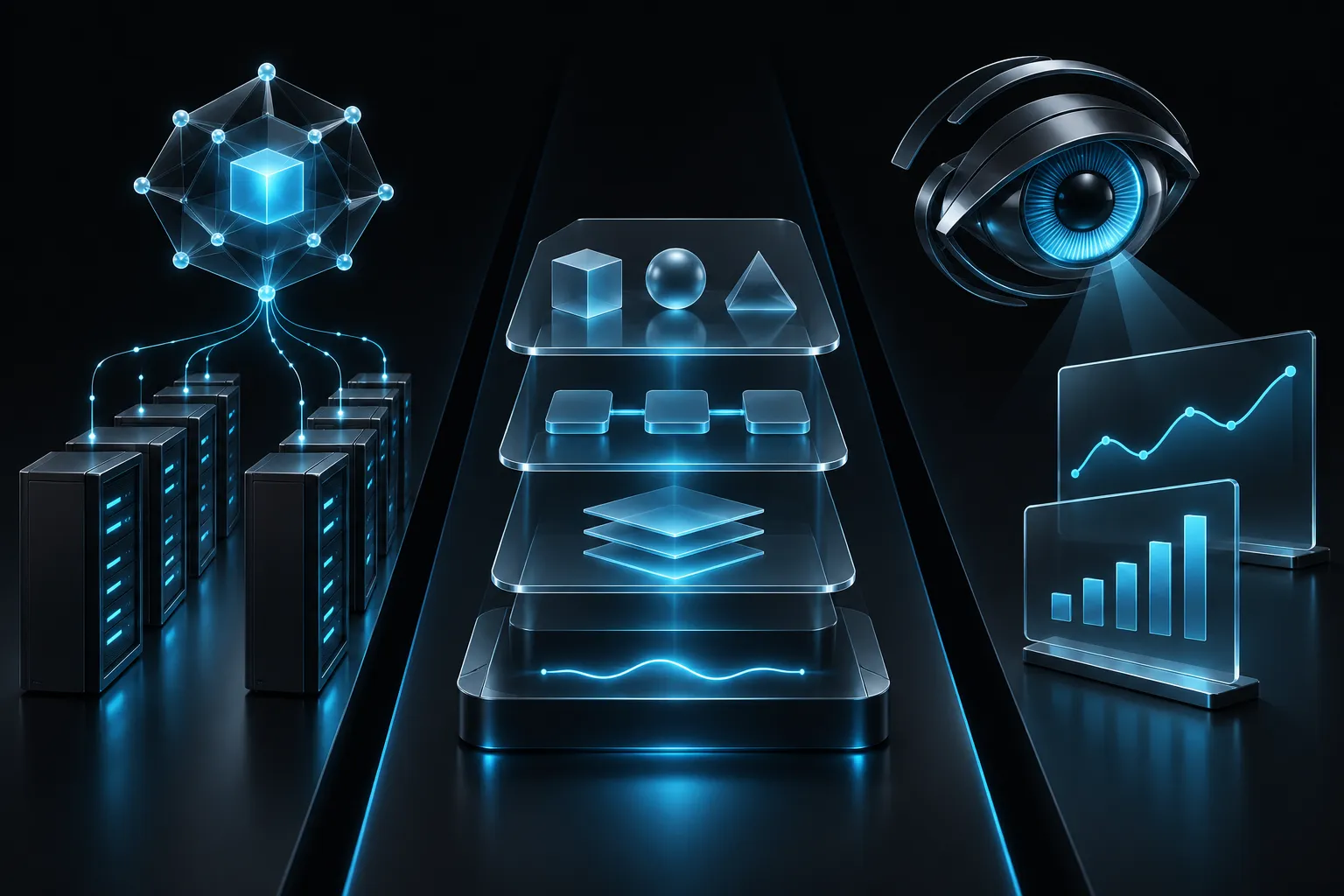
Three jobs hidden behind the same AI label
Start with the outcome you need. If you want help interpreting a failed service or requesting a configuration change, evaluate an administration assistant and its permitted actions. If you want to deploy a web app generated by an AI coding tool, evaluate its runtime, deployment path, networking and recovery. If you want a diagnosis but intend to perform every fix yourself, evaluate read-only monitoring.
There is a further distinction within hosting. An AI-built application might be an ordinary web application whose code was generated with assistance. An AI application may itself call a model or run an agent, with additional requirements around model endpoints, credentials, compute and data handling. Neither description automatically means the application is authorized to administer its host.
| Job | Typical outcome | Question to ask |
|---|---|---|
| AI-assisted administration | Inspect a resource or request an authorized change | Which actions and targets can the assistant reach? |
| AI-built app hosting | Deploy and serve an application | Are the runtime and deployment method supported? |
| Model or agent hosting | Operate an AI workload or service | What compute, network and credential boundaries apply? |
| Read-only AI monitoring | Analyze signals and suggest next steps | What data is observed, and who executes any fix? |
A product name, a chat box or a model logo cannot answer those questions. Ask for the specific workflow, version and permissions. Also distinguish what is generally available from a beta, a future announcement or a product still in pre-release. The following examples use public vendor descriptions viewed on 29 November 2026, not independent operational benchmarks.
cPanel: assistant, MCP and app deployment
cPanel's version 138 announcement describes an embedded AI Assistant that answers account questions, explains administrative tasks and diagnoses common account issues using available account data. It says the assistant requires the Meridian interface and separate administrator enablement. cPanel's AI overview additionally describes actions taken on a customer's behalf with confirmation. Verify the available actions and confirmation behavior for the installed version and account before relying on either.
That assistant is not the same feature as cPanel's AI App Hosting. The version 138 announcement describes deploying Node.js applications from a ZIP archive or Git URL, with framework detection, runtime configuration and reverse-proxy routing. This is a deployment path for an application, including one built with external AI development tools. Its advertised scope should not be generalized to every language, framework or workload; confirm your application and account have the necessary feature enabled.
The same announcement describes MCP support connecting approved external AI clients through scoped permissions. User-level access is bounded to the user's home directory, while an administrator path is available separately. That is a connectivity and administration question rather than proof that an AI-built application will run. For the mechanics of tool discovery and approval, see our MCP administration guide.
For example, a team might use an assistant to understand an account issue, use MCP for an authorized management workflow, and use the hosting feature to publish a Node.js app. Those are three separate permission and acceptance reviews even if they appear in the same control panel.
RunCloud: diagnosis without automatic changes
RunCloud's AI Monitoring documentation describes an optional, read-only monitoring agent that analyzes server signals and suggests remediation. It does not automatically execute commands or modify configuration; an operator must review and run suggested commands manually. The vendor also warns that AI-generated recommendations can be incomplete, so verify the cause before acting.
That distinction changes the risk model but does not make recommendations automatically safe. Someone can still copy a harmful or incorrect command into a terminal. Examine the target and expected effect, use a maintenance procedure appropriate to the workload, and retain a recovery route. If the feature analyzes logs or resource metrics, ask what information is collected, where it is processed, who can access it and how long it is retained.
The June 2026 beta announcement recommended testing on non-production servers while the service was in beta. Treat that as the status described at the announcement, not a claim about its status forever. RunCloud's documentation also describes a monthly AI analysis quota and says standard monitoring continues if AI analysis pauses; check current terms for your deployment.
The timeline below places selected public vendor announcements in context. It compares announcement dates only, not the products' quality, completeness, current availability or relative adoption. Earlier or later announcements may exist for related features. cPanel's April roadmap and August early-access announcement precede its September release announcement; they are stages of a rollout, not separate product launches.
Selected 2026 vendor AI announcements
Calendar day of 2026; selected announcement milestones, not a comprehensive industry timeline
- 15 Apr: cPanel assistant and MCP plans105
- 19 Jun: RunCloud AI Monitoring beta170
- 17 Aug: cPanel Meridian early access229
- 16 Sep: cPanel & WHM v138259
View chart data
| Item | day of year | Note |
|---|---|---|
| 15 Apr: cPanel assistant and MCP plans | 105 | Roadmap announcement |
| 19 Jun: RunCloud AI Monitoring beta | 170 | Read-only monitoring beta announcement |
| 17 Aug: cPanel Meridian early access | 229 | Partner early access announcement |
| 16 Sep: cPanel & WHM v138 | 259 | cPanel AI release announcement |
1Panel: model workloads and MCP are distinct
1Panel's product page describes centralized model management and lists AI-related applications including Ollama and agent platforms. This concerns the operation of AI workloads and associated services. Before selecting such a setup, check hardware capacity, model availability, network exposure, updates, credentials and how application data moves through the stack. A management interface is not itself a guarantee that a chosen model will meet your application's latency or resource requirements.
1Panel's MCP management documentation describes a separate capability for managing third-party MCP server processes, and a built-in MCP service through which clients can use authorized panel tools. It describes limiting the latter by node, tools and account permissions, and advises reviewing third-party commands, images, environment variables and mounts. Hosting an MCP service and granting an AI client access to panel tools are different decisions, even where a single product offers both. Check the applicable edition and feature availability before planning a deployment.
If a model or agent runs on the same host as critical websites, evaluate what it can access and what happens when it consumes resources. Consider whether workload separation is appropriate, and establish who patches the model server and its dependencies. Conversely, a remotely hosted model connected to an administration endpoint creates questions about client identity, network access and the data returned by tools. Draw both paths before granting access.
Choose evidence for the workflow you actually need
For administration, obtain a list of available actions, target scopes and credentials. Ask whether the tool can change state, whether a human can deny a proposed action, how the implementation handles an interrupted request and what the audit record shows. Test with a limited identity on a non-production host before considering a broader deployment.
For hosting, start from the actual application: language and runtime, source format, environment variables, domain routing, persistent storage and release procedure. Ask how the platform handles secrets, backups, restoration and rollback. If the app uses a model, add model versioning, capacity, external provider dependencies and data-handling requirements. A successful demo deployment does not establish that restore and incident procedures work.
For monitoring, inspect the signals collected and the boundary between a suggestion and an executed command. Ask how alerts are delivered, what happens when quotas or service dependencies interrupt analysis, and which person owns verification. Keep ordinary health checks and a documented incident process even when an AI explanation is available.
Across all categories, the OWASP prompt-injection guidance explains why untrusted content can influence a model and recommends limiting privileges and requiring human confirmation for consequential actions. A hosting workflow can expose an agent to untrusted application data; an administration workflow can additionally give its output access to privileged operations. Scope the latter carefully rather than trusting a model's interpretation alone.
How Sora fits and how this guide classifies claims
Sora Panel is pre-release, with no public install command or announced release date. It is a self-hosted panel for WordPress and Laravel on Ubuntu 24.04. Its master provides a web UI, REST API and MCP endpoint; app servers connect outward over mutual TLS. External AI clients can call allow-listed tools without shell access, and risky actions require a different person's approval in the web UI with a one-time code. A tamper-evident audit log records activity.
Those facts place Sora's AI connection in the administration category, while its WordPress and Laravel support concerns hosting those workloads. They do not establish that Sora hosts arbitrary AI models, agents or every AI-generated app. Its monitoring, uptime checks and alerts should not be relabeled as AI analysis without evidence. Choose on the basis of the exact workload and control boundary, not a broad AI label.
This guide groups features by their described task and whether they observe, request changes or run a workload. It uses vendor pages for product descriptions and OWASP for security context; it is not a hands-on certification, a pricing comparison or a claim that every plan includes each feature. Vendor behavior and availability can change, so recheck the linked documentation and evaluate the version you intend to use.
Sora Panel is not released yet. Read how it works on the homepage or see installation availability.
Frequently asked questions
Is AI app hosting the same as AI server administration?
No. App hosting runs an application, while administration uses an assistant or tools to help inspect or manage infrastructure. A product may support both.
Does RunCloud AI Monitoring automatically fix problems?
RunCloud describes its AI Monitoring as read-only: it offers recommendations, but an operator reviews and executes any commands manually. Review the suggested command and target before acting.
Does deploying an AI-built app mean the host runs the AI model?
No. An app built with AI can be a conventional application; it may not use a model at runtime. If it does, the model can be local or accessed as an external service.
Does Sora Panel host arbitrary AI models?
The described pre-release Sora Panel focuses on WordPress and Laravel hosting and controlled administration through allow-listed tools. Its stated scope does not establish arbitrary AI-model hosting.
Sources
- cPanel April AI and MCP plans (viewed 2026-11-29)
- cPanel Meridian early access announcement (viewed 2026-11-29)
- cPanel version 138 announcement (viewed 2026-11-29)
- cPanel AI overview (viewed 2026-11-29)
- RunCloud AI Monitoring documentation (viewed 2026-11-29)
- RunCloud AI Monitoring beta announcement (viewed 2026-11-29)
- 1Panel product page (viewed 2026-11-29)
- 1Panel MCP documentation (viewed 2026-11-29)
- OWASP prompt injection (viewed 2026-11-29)
Sora Panel is not released yet. Read how it works on the homepage.