
Sora Panel vs RunCloud: Control Plane Ownership
Choosing a panel is also choosing who operates the system that can change your servers. RunCloud is available today as a hosted management service for infrastructure you supply. Sora Panel is designed to run its master and application servers under your control, but it is pre-release: there is no public installer or announced release date. The right fit depends on that distinction as much as it does on WordPress or Laravel features.
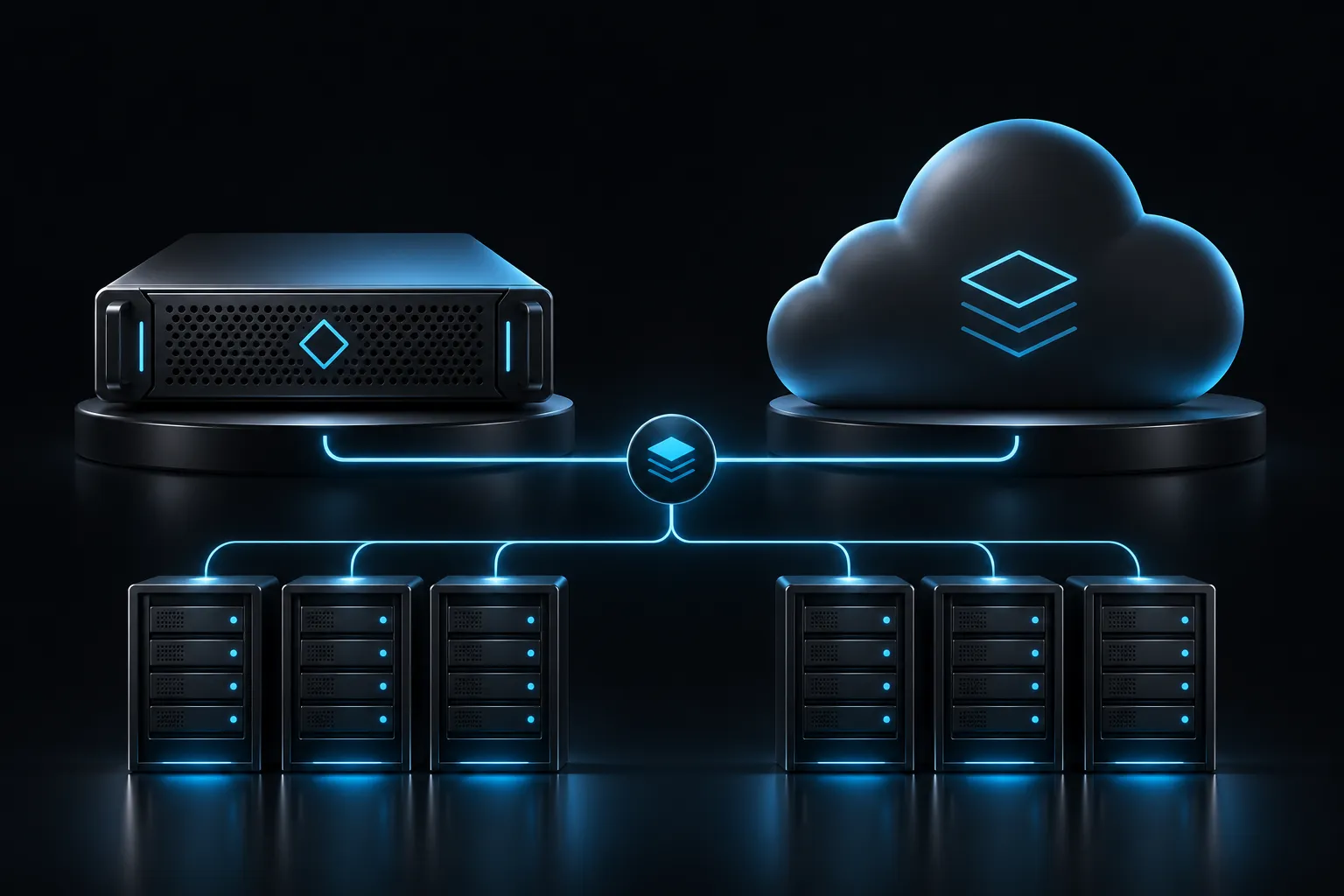
Ownership and the operating boundary
With RunCloud's documented workflow, you connect a server or use a provider integration to create one, then manage applications through RunCloud. Your infrastructure provider and RunCloud remain distinct suppliers. That division can be useful when you want a service to operate the dashboard rather than taking responsibility for another panel yourself.
Sora's planned model places the master, including its web UI, REST API and MCP endpoint, on infrastructure you operate. Application servers connect outward to that master over mutual TLS. Ownership gives your team control of that boundary, but also makes panel operation your responsibility. Self-hosting is not the same as automatic security or a promise of less work: ask who will maintain access, backups and the machines themselves.
| Area | Sora Panel | RunCloud |
|---|---|---|
| Hosting model and operator | Self-hosted master and app servers; your team operates the panel. | Hosted service manages servers you connect; connection guide. |
| Pricing model | Currently free under the Terms of Use; advanced features may be paid later, with no prices or tiers decided. | Subscription: Essentials $9/month for one server, Professional $19/month for up to 50 servers, Business $49/month and Enterprise $399/month, on monthly billing; see the pricing page. |
| AI capability | External AI clients call allow-listed MCP tools; AI has no shell. | AI Monitoring is optional, read-only diagnosis and recommendations. |
| Roles, approvals and audit | Owner, Admin, Operator and Viewer; risky actions require another person's web UI approval with a one-time code; tamper-evident audit. | Teams and roles scope access and permissions. Approval and audit semantics need verification for your plan. |
| WordPress and Laravel | WordPress sites and Laravel Git deployment with rollback. | WordPress setup and Laravel Git deployment. |
| Email and DNS | Do not assume mailbox hosting or DNS management; check requirements separately. | DNS Manager manages Cloudflare records; mailbox hosting requires separate verification. |
| Maturity | Pre-release; no public installer or date. | Available; its getting-started guide describes connecting a server. |
The comparison is deliberately narrow. A blank or unverified item means we have not established equivalent behavior from the linked pages; it does not mean the feature is absent. Confirm plan eligibility, regional terms and any operational requirements directly before purchasing.
AI assistance: advice or scoped tools?
RunCloud describes AI Monitoring as an optional observer that detects anomalies, offers possible causes and suggests remediation. It does not execute commands or change configuration. A human reviews and manually acts on suggestions. The documentation also says that AI analysis can pause after its monthly allowance is reached while ordinary monitoring continues. This is a sensible fit for a team that wants diagnostic help but deliberately keeps AI away from changes.
Sora takes a different approach: external clients such as Codex or Claude may call declared, allow-listed MCP tools. They do not get an arbitrary shell. Risky actions require approval from a different person through the web UI using a one-time code, and the audit log is tamper-evident. The distinction is not that one product has AI and the other does not; the documented capabilities have different purposes and authority boundaries.
Before adopting either model, decide which information may be sent to an AI service and who reviews a recommendation. A plausible diagnosis is not proof. Likewise, an approved action still needs a human to understand its impact, scope and recovery path. Ask vendors about data handling and the exact actions enabled on the plan you intend to use.
Team governance and accountability
RunCloud's team documentation distinguishes resources assigned to teams from the permissions granted by roles. This gives buyers a useful starting point for testing least privilege: invite a user, assign only the intended resources, and try both allowed and denied actions. Verify the current plan's exact role, approval and audit capabilities rather than assuming that they mirror Sora's design.
Sora has four roles and organisations for agencies. Its independent-approver requirement matters when the same person should not both request and authorize a risky action. An audit trail makes later review possible, but a log alone does not tell you who is on call, how to recover access, or when a team should escalate. Those are operating procedures that need owners whichever panel you select.
Use a realistic exercise rather than a feature checklist: have an operator prepare a change to one client site, verify that an unrelated client is out of scope, and ask a second person to review the change. Record which events are visible afterwards. For RunCloud, test the actual permissions and audit evidence available under your subscription; do not infer equivalence from similar role names.
WordPress, Laravel and recovery
RunCloud's beginner guide describes one-click WordPress setup, certificates and backup destinations. Its separate Laravel guide documents connecting a Git repository, setting the public directory and configuring the application. Sora targets WordPress and Laravel and includes Git deployment with rollback; its per-site isolation uses a Linux user, PHP-FPM pool, Redis and MariaDB database.
Test the whole workflow with a representative application. Include configuration, secrets, database changes, scheduled work and a restoration exercise. A code rollback is not automatically a database rollback. Sora's nightly encrypted restic backups go to the user's own Cloudflare R2; RunCloud documents multiple destinations in its guide. Confirm actual retention, storage charges and restore procedures for your environment rather than comparing a feature label in isolation.
The chart shows RunCloud list prices on monthly billing from its rendered pricing page, viewed 29 November 2026. Enterprise is included, although its larger price compresses the other bars. Prices are for the subscription, not the servers themselves, and are not a comparison with Sora pricing.
RunCloud list price per month, USD, monthly billing
Monthly subscription list prices; rendered pricing page viewed 29 November 2026
- Essentials — 1 server9
- Professional — up to 50 servers19
- Business — API49
- Enterprise399
View chart data
| Item | USD per month | Note |
|---|---|---|
| Essentials — 1 server | 9 | |
| Professional — up to 50 servers | 19 | |
| Business — API | 49 | |
| Enterprise | 399 |
DNS, email and the real cost
RunCloud documents a Cloudflare-connected DNS Manager. That does not establish mailbox hosting or the exact coverage you require. List authoritative DNS, mailboxes, outbound application mail and certificates separately, and identify the provider and credentials responsible for each. Sora's stated scope here does not establish email or DNS parity.
RunCloud is a subscription service: consult its current pricing page and confirm billing term, promotional eligibility, limits and taxes before deciding. Sora is currently free under its Terms of Use; advanced features may become paid, but no future tiers or prices are decided. Neither statement makes VPS, backup storage, domains or staff time free. Compare those costs using your own workload instead of presenting an unsupported lifetime saving.
Server count changes the budget conversation. At the rates shown on the rendered pricing page, Essentials is $9 per month for one server, while Professional is $19 per month for up to 50 servers. These are plan prices, not a per-server charge to multiply by every server. The appropriate plan also depends on required capabilities: the page lists API access with Business at $49 per month. Verify all current limits and eligibility for the specific plan before buying; capacity alone does not establish feature access.
For a longer commitment, the same page displayed Essentials at $90 per year and Professional at $190 per year, described as two months free compared with monthly billing. A seven-day trial was also shown. These are separate annual billing terms, not monthly rates, and promotions or prices may change. Neither annual amount includes your cloud infrastructure, backup storage, taxes or staffing. Do not compare a discounted annual term to a monthly price without adjusting the basis.
An agency can evaluate the service using one noncritical client first. Inventory servers, applications, domains and backup destinations; map each person to the resources needed for their role; and record who can authorize production changes. On RunCloud, the team documentation provides a starting point for assigning resources. Test access with a limited user and agree an escalation path before onboarding additional clients.
Then rehearse a routine deployment and an incident: restore a backup to a safe destination, check whether the client can access the site, and document who owns the DNS and mail accounts. Confirm how your team exports or retains the evidence it needs. RunCloud can be the better fit for an agency that wants an available hosted dashboard and documented onboarding rather than operating its own management plane; the trade-off is accepting a subscription and a dependency on that service.
Which should you choose?
Choose RunCloud for an available hosted control plane, documented WordPress and Laravel workflows, and optional read-only AI diagnosis. It is the stronger immediate fit if you cannot wait for a release or do not want to operate the panel yourself. Evaluate plan-specific access and governance rather than assuming the subscription includes every capability.
Keep Sora on your shortlist if self-hosting the control plane, external AI clients with restricted tools, and independent approval for risky actions match your operating model. That is a future evaluation, not a deployment recommendation today. Compare it with CloudPanel's self-hosted model if you also need an available self-hosted option.
Sora Panel is not released yet. Read how it works on the homepage and see installation status.
Frequently asked questions
Is RunCloud self-hosted?
RunCloud is a hosted management service for servers you connect. Your application infrastructure and the management service are separate responsibilities.
Can I install Sora Panel now?
No public installer or release date has been announced. Sora Panel is pre-release.
Does RunCloud have AI?
Yes. Its optional AI Monitoring analyzes anomalies and recommends actions, but the documented system is read-only and does not execute commands.
Does Sora give AI shell access?
No. External AI clients use allow-listed MCP tools; risky actions require independent approval in the web UI.
Sources
- Sora Panel (viewed 2026-11-29)
- RunCloud pricing (viewed 2026-11-29)
- RunCloud AI Monitoring (viewed 2026-11-29)
- RunCloud beginner guide (viewed 2026-11-29)
- RunCloud teams (viewed 2026-11-29)
- RunCloud Laravel Git deployment (viewed 2026-11-29)
- RunCloud DNS Manager (viewed 2026-11-29)
Sora Panel is not released yet. Read how it works on the homepage.